

Web · Guide · · 5 min read
Why automated tools cannot replace an expert web accessibility review
Free accessibility checkers quickly catch some errors, but many barriers only a person can spot. I explain what tools can do, where they stop and what a thorough review looks like.


A free accessibility checker gives you a list of errors or a good score within seconds. It is tempting to treat that result as proof that a website is accessible, but it is not. Below I explain what these tools actually check and where they stop. I also describe a review that answers the real question: can someone who relies only on a keyboard or a screen reader use your website?
What an automated tool checks
Tools such as Wave or aXe read a page’s code and compare it against a predefined set of rules. This lets them find:
- images without alternative text,
- skipped heading levels,
- form fields without labels,
- empty link text,
- some colour contrast problems.
They are fast, can cover many pages, and some plug into the browser, the CMS or the deployment process. The UK government accessibility team compared them to a spellchecker: useful, but never to be used on their own. W3C puts it even more plainly. Tools cannot determine whether a site is accessible, they can only assist, and they sometimes produce false or misleading results.
What a tool cannot see
A tool only sees what it has a rule for. It cannot judge whether a person understands what they get. A few typical examples:
- a button has a label, but the label says nothing useful,
- headings are marked up correctly, but the content order makes no sense,
- a form passes the scan, but its error messages are confusing,
- a menu has no code errors, yet cannot be navigated with a keyboard,
- a screen reader announces elements in a muddled order.
The same goes for flashing content without a warning and for text written in unclear language.
How many barriers tools miss
In 2017, GOV.UK built a deliberately bad page with 143 barriers in 19 categories and ran 10 widely used tools against it. Of those barriers, 42, or 29%, were missed by every single tool. They included long passages in italics, tables with empty cells and links identified by colour alone.
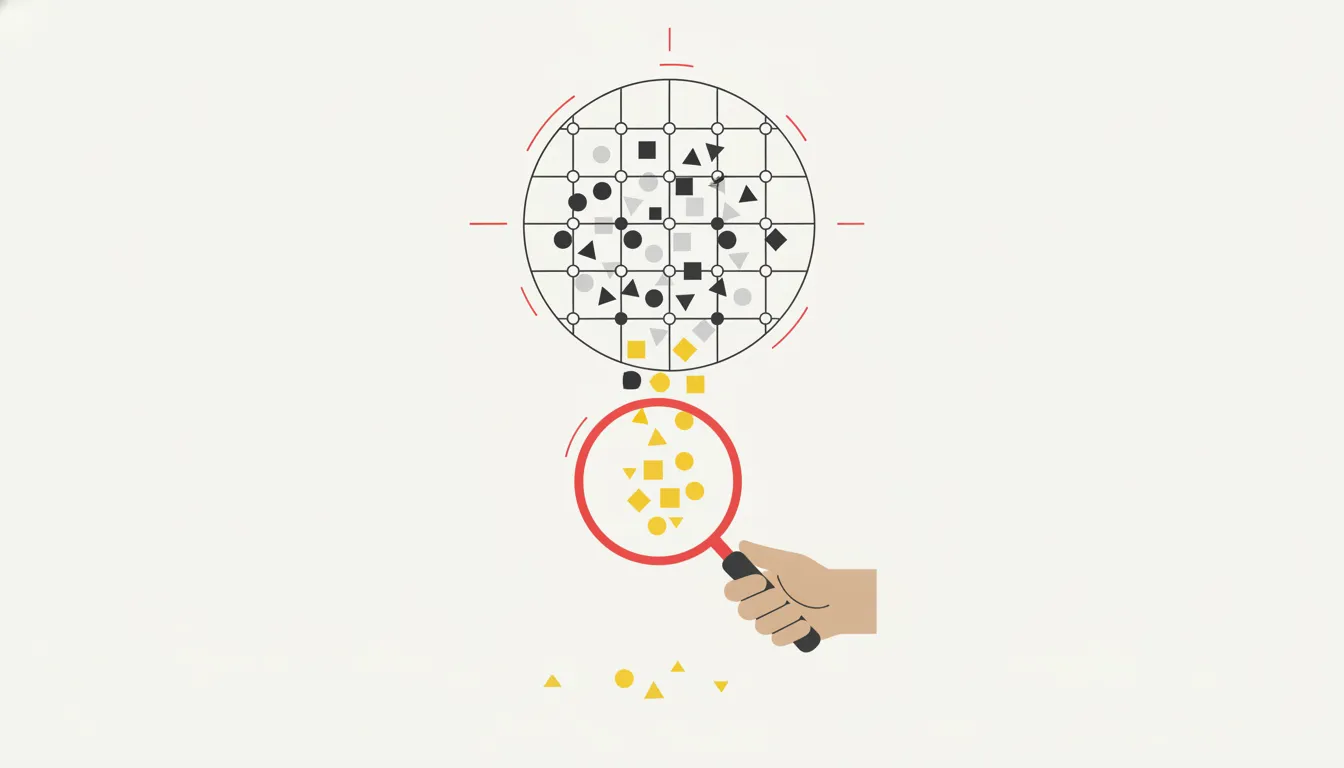 An automated tool catches many barriers, but the rest only show up in a manual review. · Illustration: AI-generated
The best single tool found 37% of the barriers, or 41% when prompts for manual checks were counted. One popular tool reached only 17%. All the tools combined covered 71%. Commenters under the post pointed out that the test page had no complex components such as date pickers, tabs, carousels or JavaScript replacements for form controls. These are exactly the areas where tools struggle most, so the real picture is probably worse.
What an expert review looks like
The benchmark is WCAG, the internationally recognised web accessibility standard, and level AA is the usual target. W3C’s WCAG-EM methodology splits an evaluation into five steps:
- define the scope,
- explore the website,
- select a representative sample of pages,
- evaluate the sample,
- report the findings.
The manual part includes navigating by keyboard only and working with a screen reader. Contrast, readability and focus visibility are also reviewed. For forms, the review covers labels, instructions, and how errors are identified and corrected. Tools still help here, for example in choosing pages for manual review. W3C also strongly recommends involving real users with disabilities.
Putting it into practice
- Run an automated tool during development and after every major change.
- Test the page yourself with the Tab key, switch on a screen reader and fill in a form incorrectly on purpose.
- Before launch or a redesign, commission an expert review. Ask the provider how they combine automated and manual testing and whether they test with a screen reader. Also check whether the report includes issue severity and recommendations, and whether a retest after fixes is included.
- Repeat the review after major updates.
In short
- Automated tools catch technical errors quickly, but cannot confirm accessibility.
- In the GOV.UK test, almost a third of the barriers were missed by every tool.
- A reliable review combines tools, manual keyboard and screen reader testing and, where possible, real users.
- A clean scan is where checking starts, not where it ends.
Cover: AI-generated
Sources
- DEV Community — Why Automated Accessibility Scans Cannot Replace Professional Accessibility Audits, 2026-11-10
- W3C Web Accessibility Initiative (WAI) — Selecting Web Accessibility Evaluation Tools
- W3C — Website Accessibility Conformance Evaluation Methodology (WCAG-EM) 1.0, 2014-07-10
- GOV.UK Accessibility Blog (Government Digital Service) — What we found when we tested tools on the world's least-accessible webpage, 2017-02-24


